

The Lenovo Yoga 7i 2‑in‑1 is a Great Productivity Device That’s Light on Gaming
Work means different things to different people. While some see it as a series of Excel sheets and boardroom meetings, work for me means playing games and writing about them through a 2,000‑word feature or a preview of an upcoming title.
The Lenovo Yoga 7i 2‑in‑1 14IPH11 is the kind of machine that understands that variety, and while it doesn’t try to be everything to everyone, it does a great job of being exactly what I need it to be – fast enough for real work, light enough to carry between events, and flexible enough to change form when the task does.
Lenovo Yoga 7i 2‑in‑1 – Design and Portability Across Modes
The first thing you notice is how the Lenovo Yoga 7i 2‑in‑1’s footprint hits a sweet spot, especially at just 1.3 kg. It’s compact enough to slip into a messenger bag or backpack filled with other miscellaneous carry items, yet the 14″ 2.8K 120 Hz VRR, 16:10, PureSight Pro OLED is large enough to run apps and windows in split‑screen to minimize constant alt-tabbing, and it’s great for viewing media too thanks to its brilliant and vibrant output.
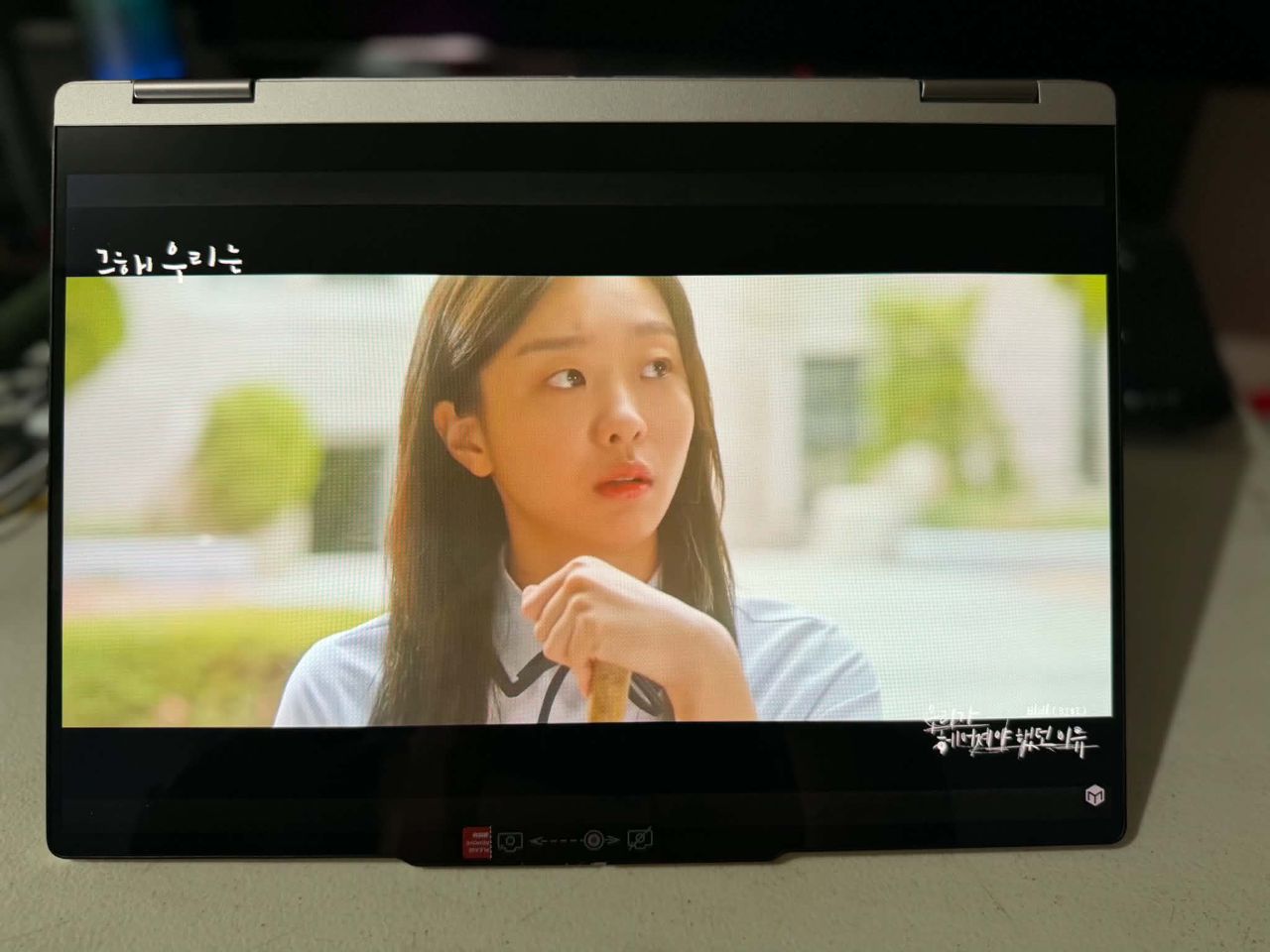
But one thing not immediately obvious is how the Lenovo Yoga 7i 2‑in‑1 lives up to its name: it converts and folds into multiple modes, turning the device into several distinct productivity tools based on your needs.
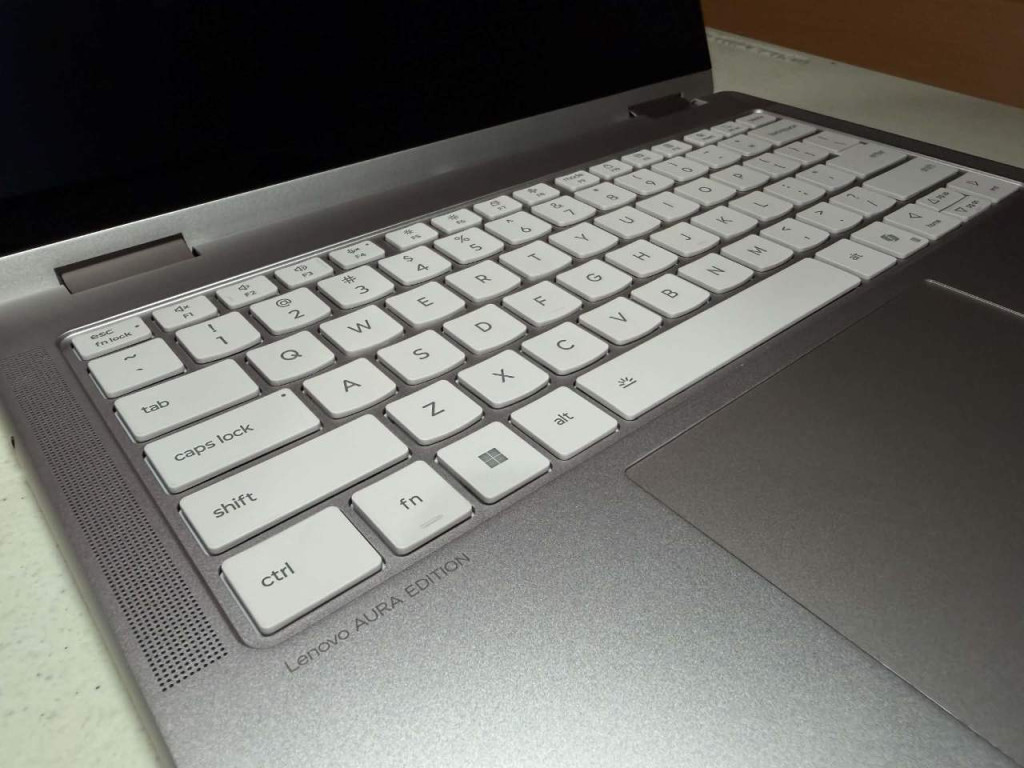
In laptop mode, the Lenovo Yoga 7i 2‑in‑1 is where most of your writing and multitasking happens, as it is the most typical form for most laptops. The keyboard and trackpad are tuned for long typing sessions, and the chassis stays stable on a table or desk. The keyboard is tactile and feels good to the touch, while the trackpad is inconspicuous yet effective.
Equipped with an Intel Core Ultra 7 355, every ounce of power is converted into a responsive machine capable of a browser full of tabs, a video editor on the side, and even a couple of other apps that you switch from every so often.
The textured surface is simple yet eye-catching, looking like a laptop you’re not afraid to take out because of its understated style. This doesn’t look like your typical device because it exudes a subtle sophistication you wouldn’t expect.
Flip the hinge into tent mode, and the Lenovo Yoga 7i 2‑in‑1 becomes a compact presentation device. Tent mode is ideal for quick editorial reviews, showing gameplay footage to a colleague, or running through a video that requires extra edits before it goes live.
The touch display makes it easy to zoom into screenshots, annotate images, and scrub short clips during these collaborative sessions, and is also surprisingly useful for impromptu meetings and presentations.
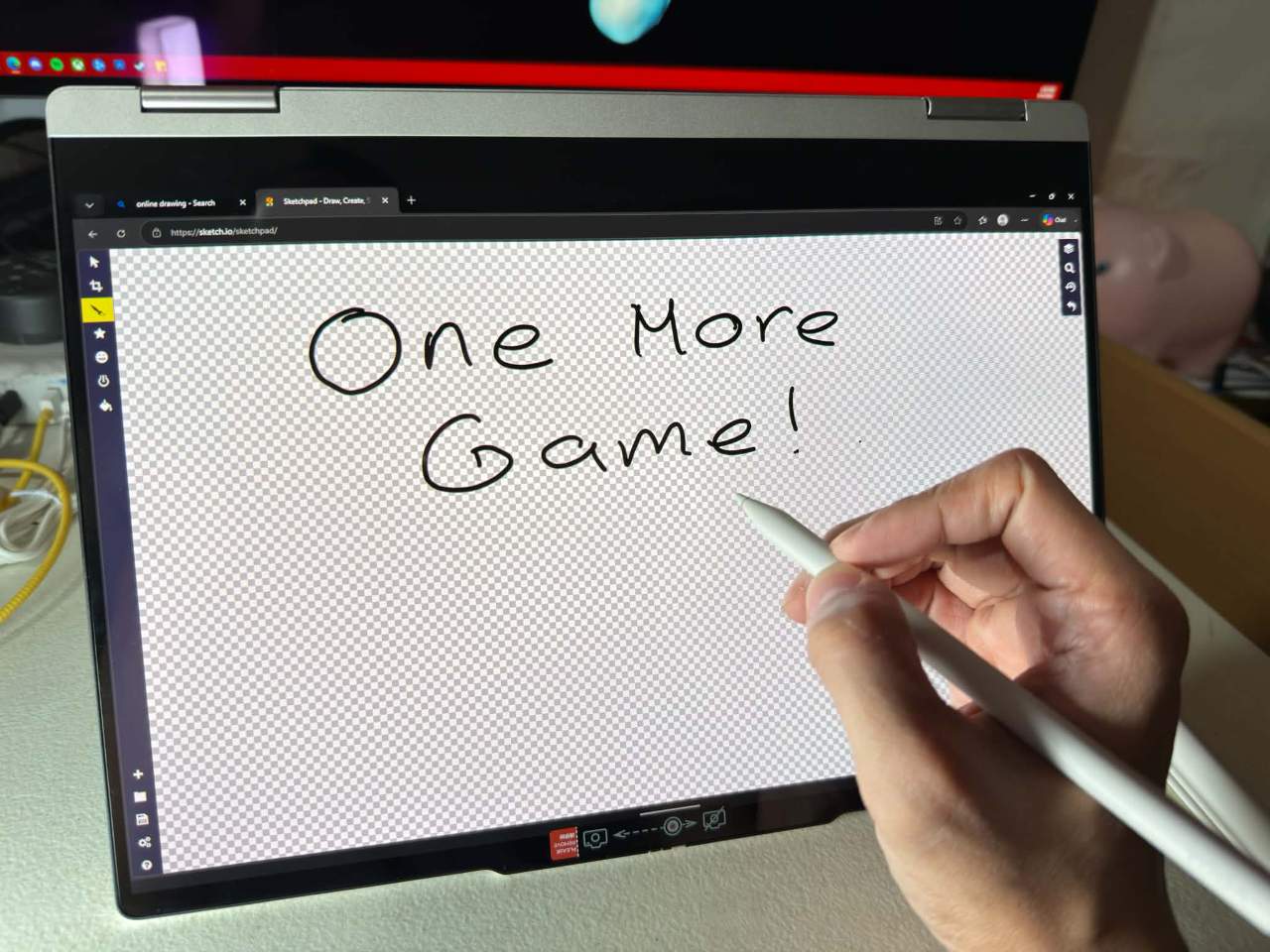
Tablet mode is where the Lenovo Yoga 7i 2‑in‑1’s convertible nature truly shines for editorial work. Fold it flat, and the device becomes a responsive slate for creative ideas. Because it also comes with a pen, tablet mode is invaluable for marking up screenshots, signing forms, or anything else that requires a change in style, especially because there’s a different kind of speed that comes from being able to touch and draw directly on the screen.
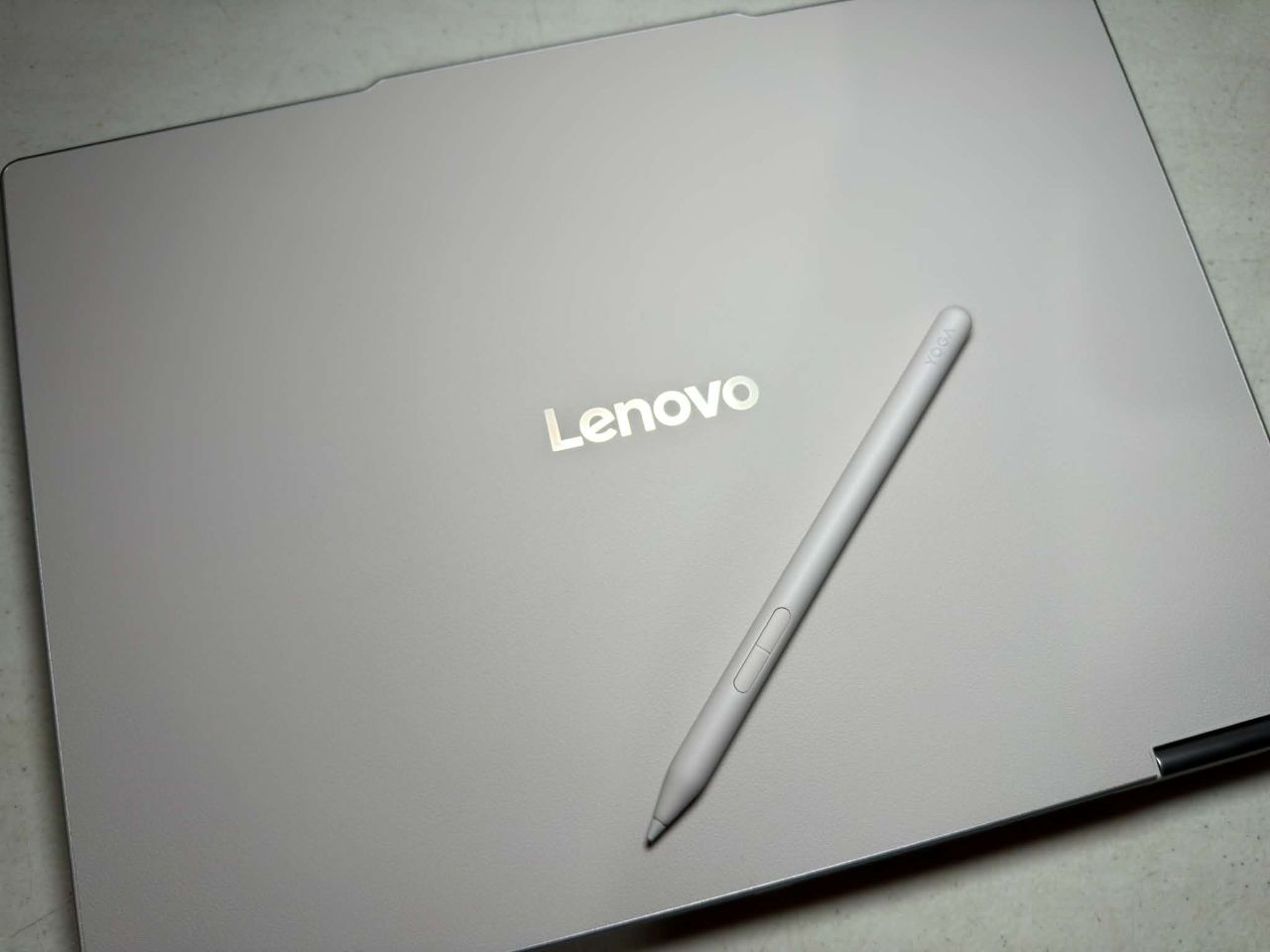
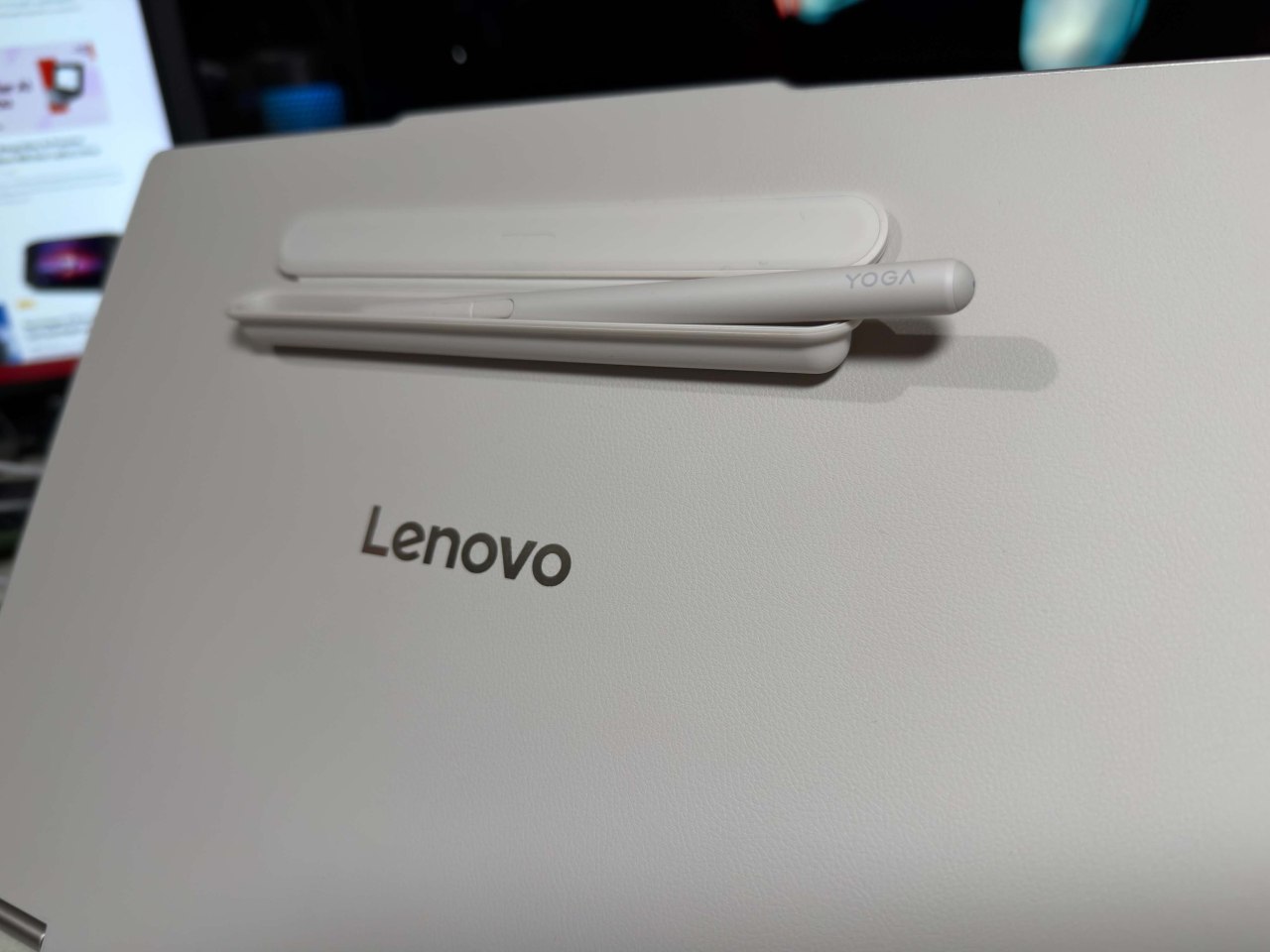
The pen comes with a handy case that sticks to the laptop’s surface, which is great for keeping it protected while keeping it nearby for quick use.
Connectivity and Battery Life
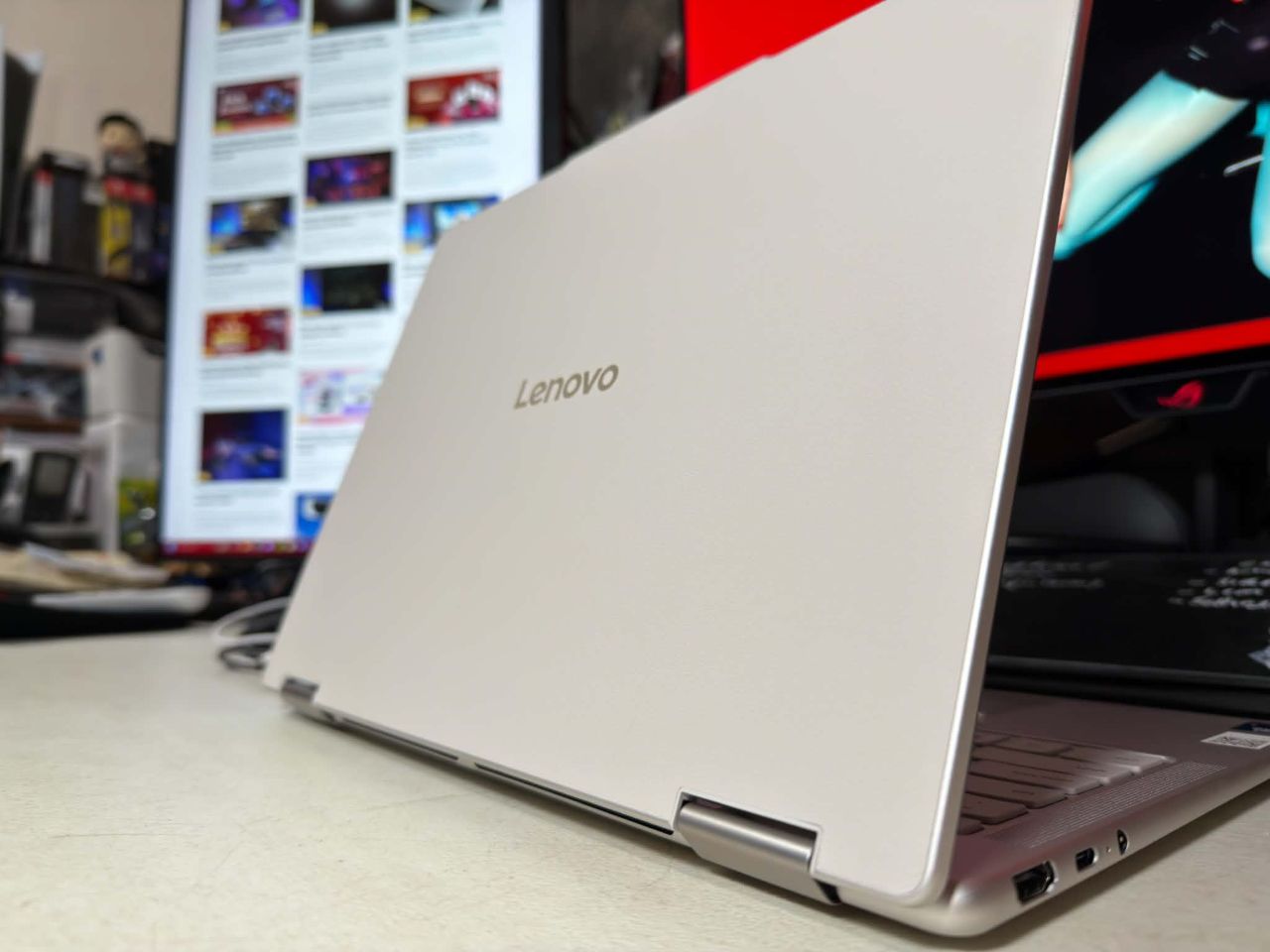
Connectivity and I/O are practical details that often get overlooked as laptops get thinner and lighter, and while the Lenovo Yoga 7i 2‑in‑1 doesn’t offer a full array of ports, it has just enough to keep you connected and productive. With 1 HDMI, 2 USB-C, and 1 USB-A, it might seem lackluster, but two details are especially welcome.
First, the Lenovo Yoga 7i 2‑in‑1’s USB-C port can charge the device without a huge charging brick. You can charge the laptop with a charger you already own, cutting out an extra power brick you have to carry around. Don’t worry, it also comes with a small charger for good measure, should you want to use it. If you know me, I have a disdain for separate charging bricks because of the added weight, so I really appreciate this.
Second, it includes a Micro SD card reader, which I don’t often see anymore. You could argue that extra dongles serve the same purpose, they defeat the objective of portability. A Micro SD card reader helps with many of the tasks I do, which involve transferring lots of photos and media files quickly.
And if you find yourself in a pinch, the Lenovo Yoga 7i 2‑in‑1 has rapid charging capabilities that can get you up to 3 hours of battery life in just 15 minutes.
Gaming Capable, but Temper Expectations
Gaming on the Lenovo Yoga 7i 2‑in‑1 is a useful capability rather than a headline feature. The integrated Intel graphics and efficient CPU, paired with up to 32GB of LPDDR5X RAM, make the laptop surprisingly capable for lighter titles and many modern indie games such as Hades, Stardew Valley, Hollow Knight, and Dead Cells at comfortably smooth frame rates.
But we didn’t stop there, as we tried out several titles like Street Fighter 6, Resident Evil Requiem, Cyberpunk 2077, and Forza Horizon 6. The results are surprising, especially since this is a productivity machine first and a portable play device second. Take note, though, that most, if not all, of these heavy AAA titles will require low graphical settings, and while much of the visual fidelity will be compromised, it’s still good to know that you can play them to a certain extent.
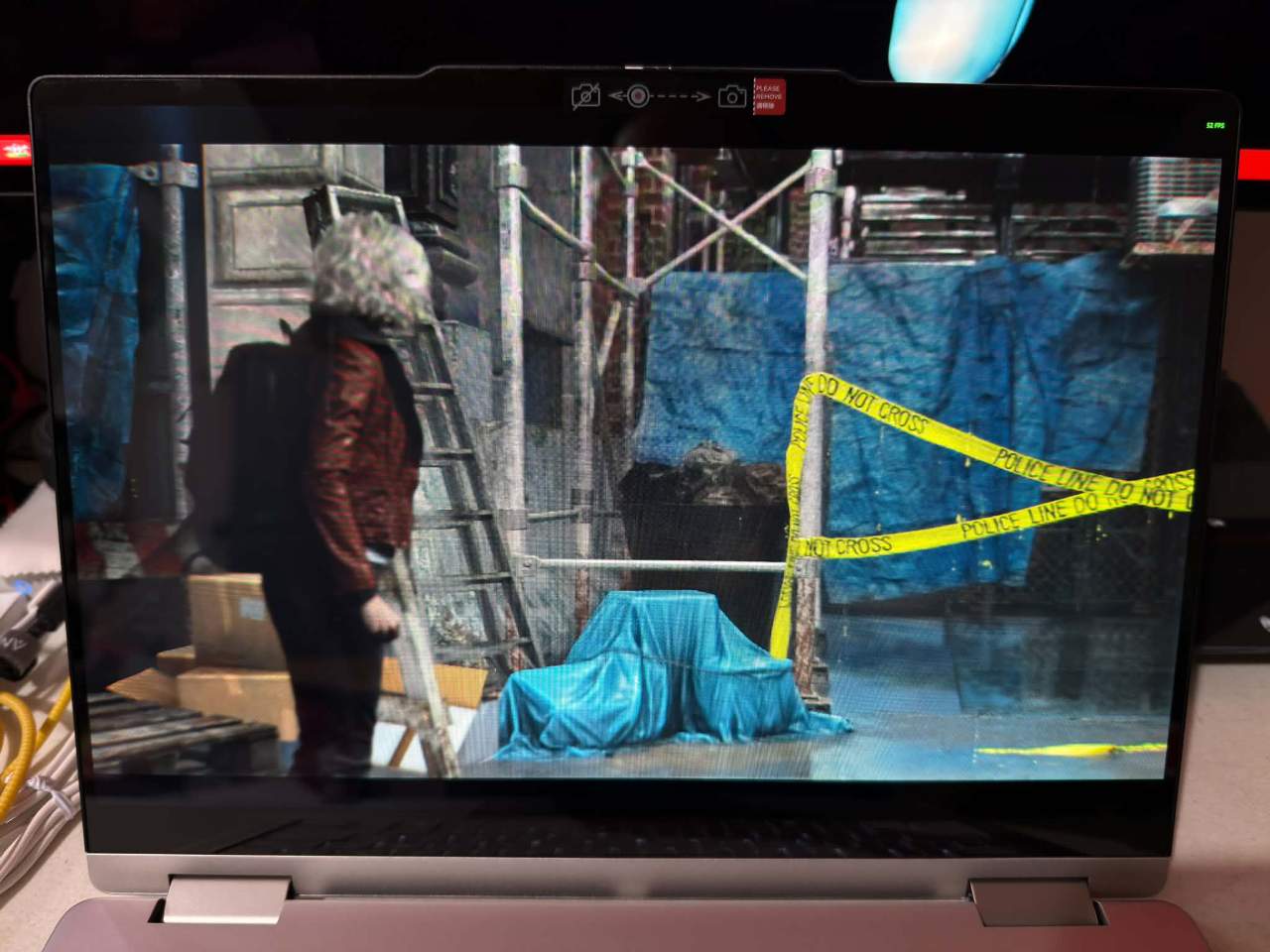
For Resident Evil Requiem, we managed to hit a stable 30-40 FPS at low settings, proving that Capcom’s latest RE Engine effort is effortlessly scalable. While not ideal, it’s a great headline that you can actually play the game on the device.
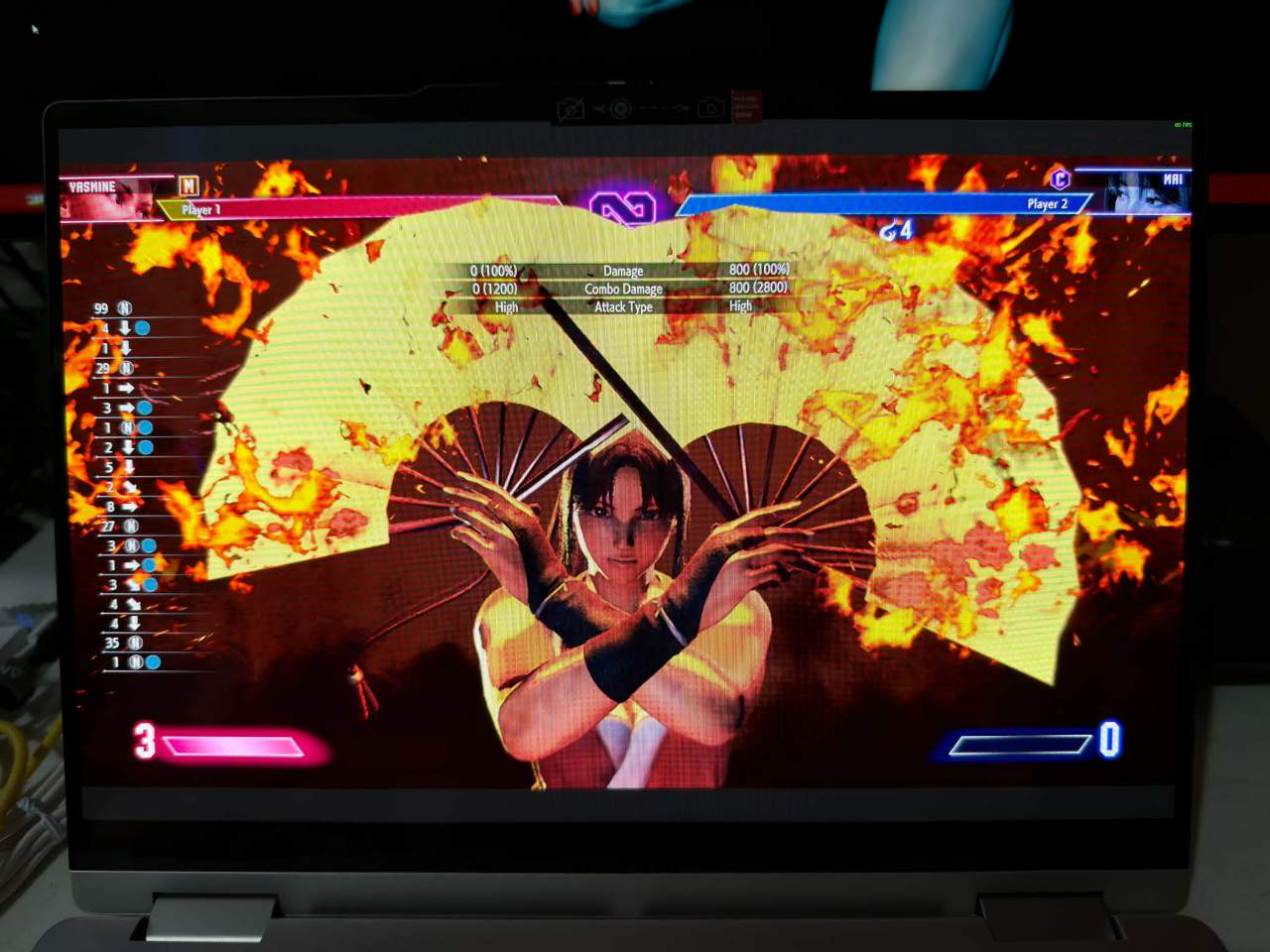
Playing Street Fighter 6 is a different story altogether, as you’ll have to turn down the graphics settings to the lowest preset to make it decently playable, which is a pity because the colorful and vibrant graphics of the game really pop on an OLED screen.
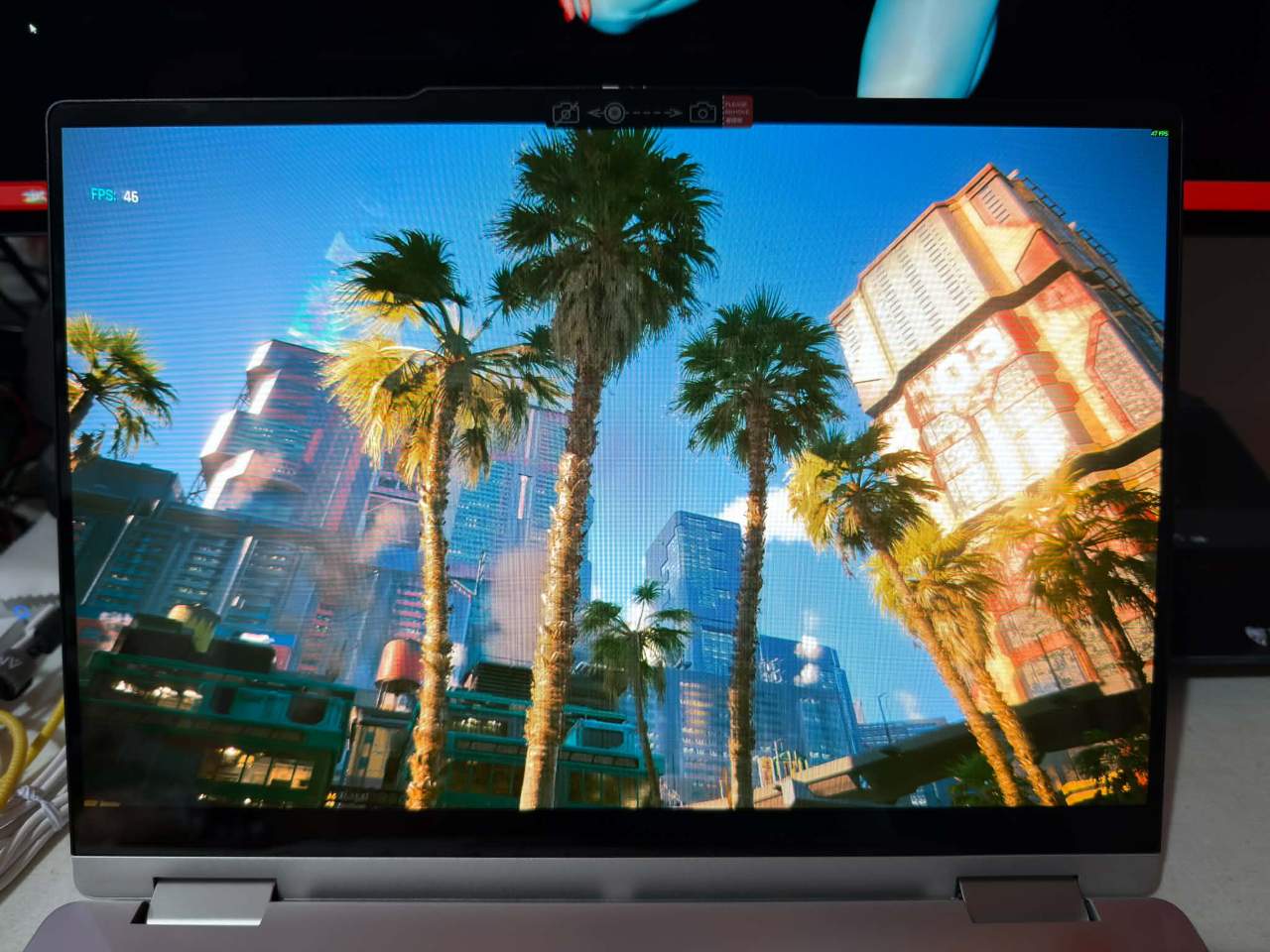
The same goes with Cyberpunk 2077, as you’ll have to turn down the settings to Low without ray tracing to get a playable 30fps. Getting the game to run is surprising enough on its own, especially for a productivity-focused device.
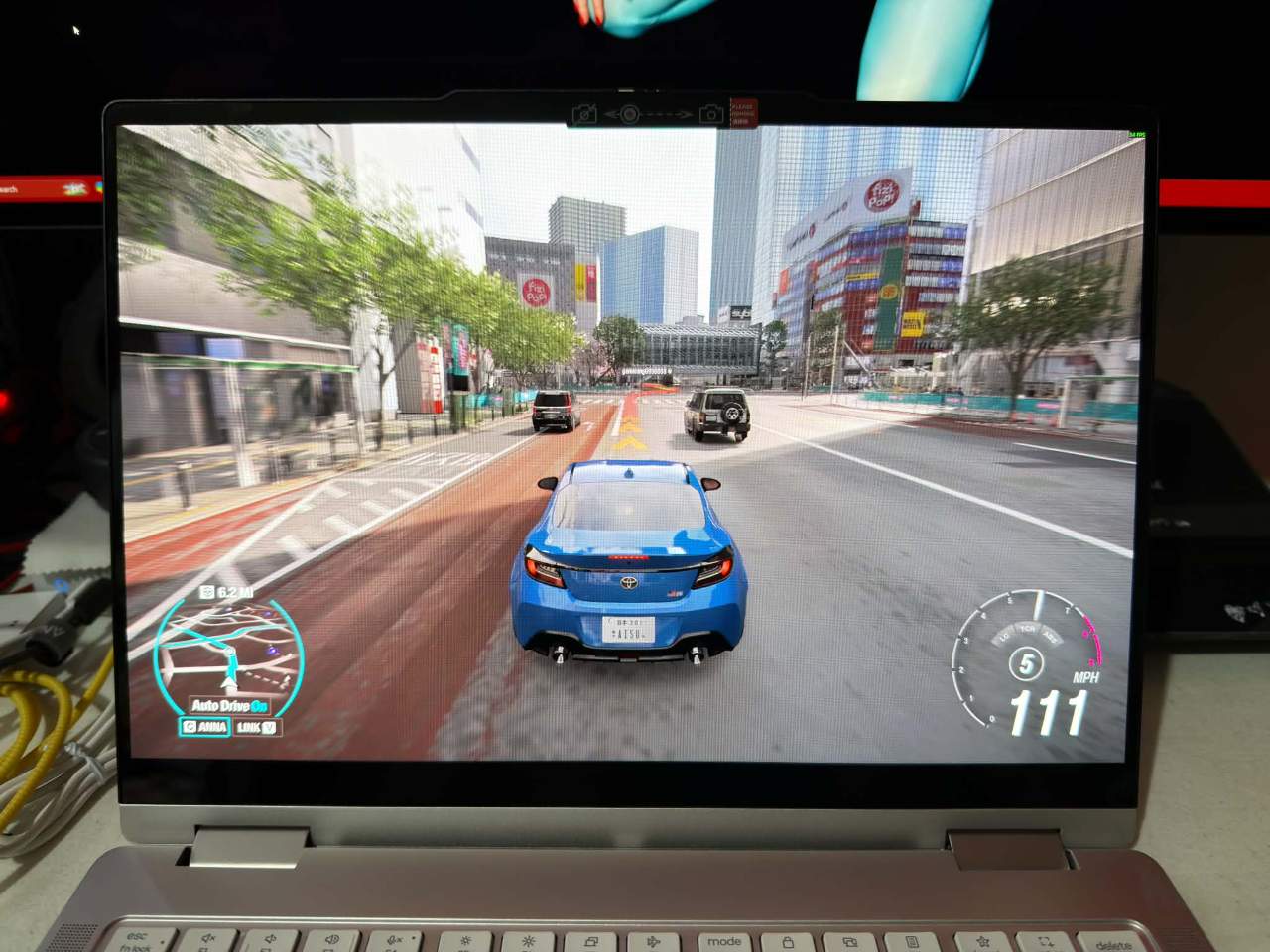
Continuing the low-settings playtests is Forza Horizon 6, which gets you around 30FPS as well. While it could be better, this is good enough for quick runs and casual play.
When it comes down to it, these results aren’t surprising, but it’s nice to know that, despite the focus on productivity, gaming is a nice-to-have that adds even more value.
The Lenovo Yoga 7i 2‑in‑1 is not a one‑size‑fits‑all miracle, but it is a thoughtful, productivity‑first convertible that understands the hybrid life of a user who lives anywhere. It won’t replace a desktop workstation for heavy video production or a dedicated gaming rig for high‑end benchmarks, but it will let you do more of your real work in more places with fewer compromises.
