
Asus ZenScreen MB169CK Review
In today’s fast-paced world, taking your gadgets on the go is almost necessary. While small display sizes are available on portable PC gaming devices such as the Steam Deck, ROG Ally, and others, sometimes you want to enjoy your games on a much bigger screen.
The Asus ZenScreen MB169CK is a portable monitor that can serve that purpose, acting as a bigger display for your devices. I have been trying it out for a couple of weeks, and while I feel that this is designed more for productivity or media-related tasks rather than gaming, it does have some caveats to consider before taking the plunge.
Asus ZenScreen MB169CK Review
The Asus ZenScreen MB169CK is a 15.6-inch portable USB-C monitor with an IPS panel that can be used in landscape or portrait mode and outputs 1920×1080 resolution. Its first obvious use case is as an additional screen for your laptop, offering more real estate for productivity tasks or watching videos. With that in mind, the device works pretty well, plugging into the USB-C port on your laptop and serving as a secondary screen.
The design is sleek, with minimal branding on the front and a brushed finish on the back. It weighs only .78kg and is 11.8mm thick, making it an extremely lightweight and portable device that’s easy to store and bring around when needed. The housing is made of plastic but isn’t flimsy, and a notch on the back allows for a 360-degree kickstand to be equipped.
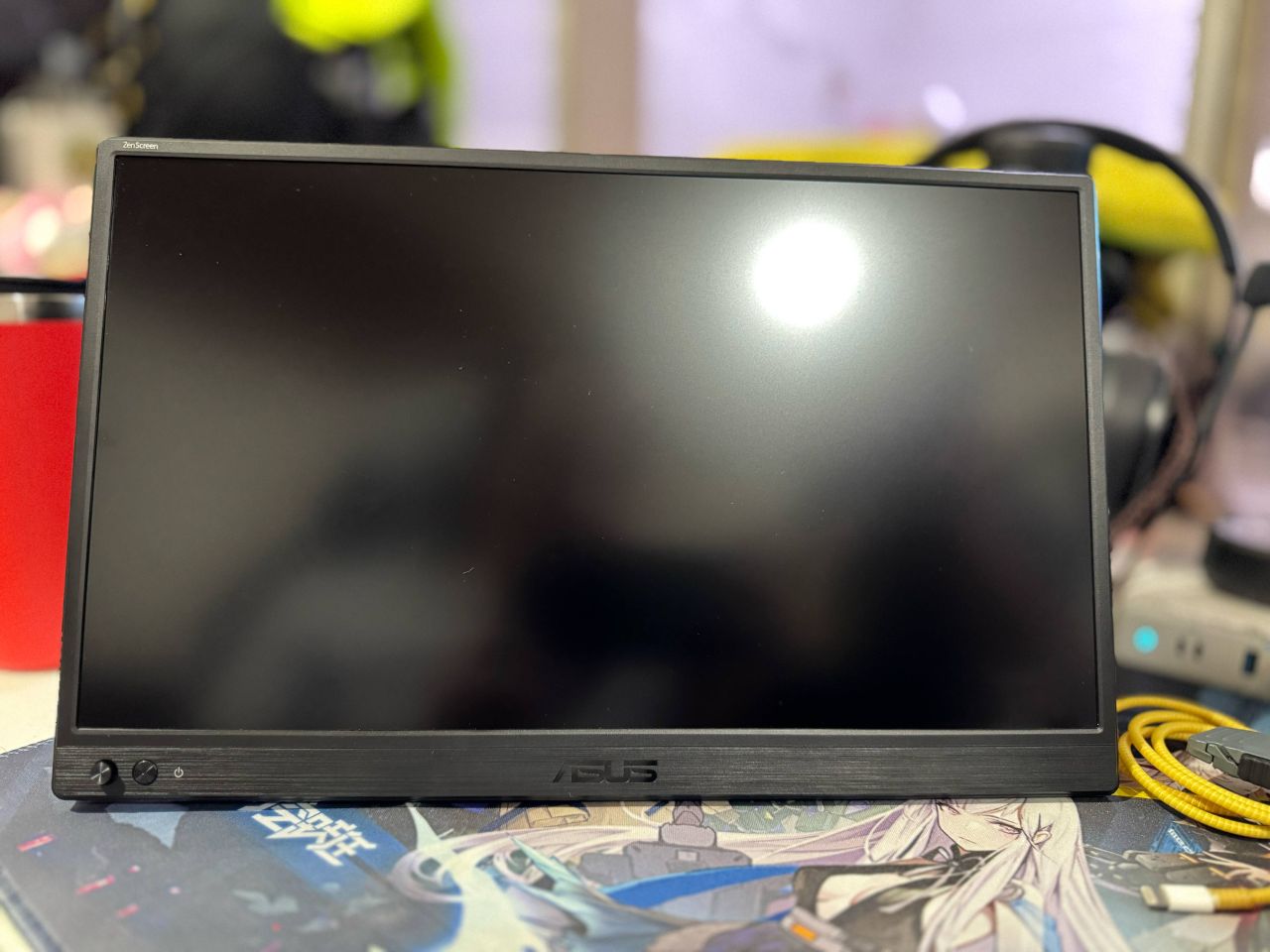
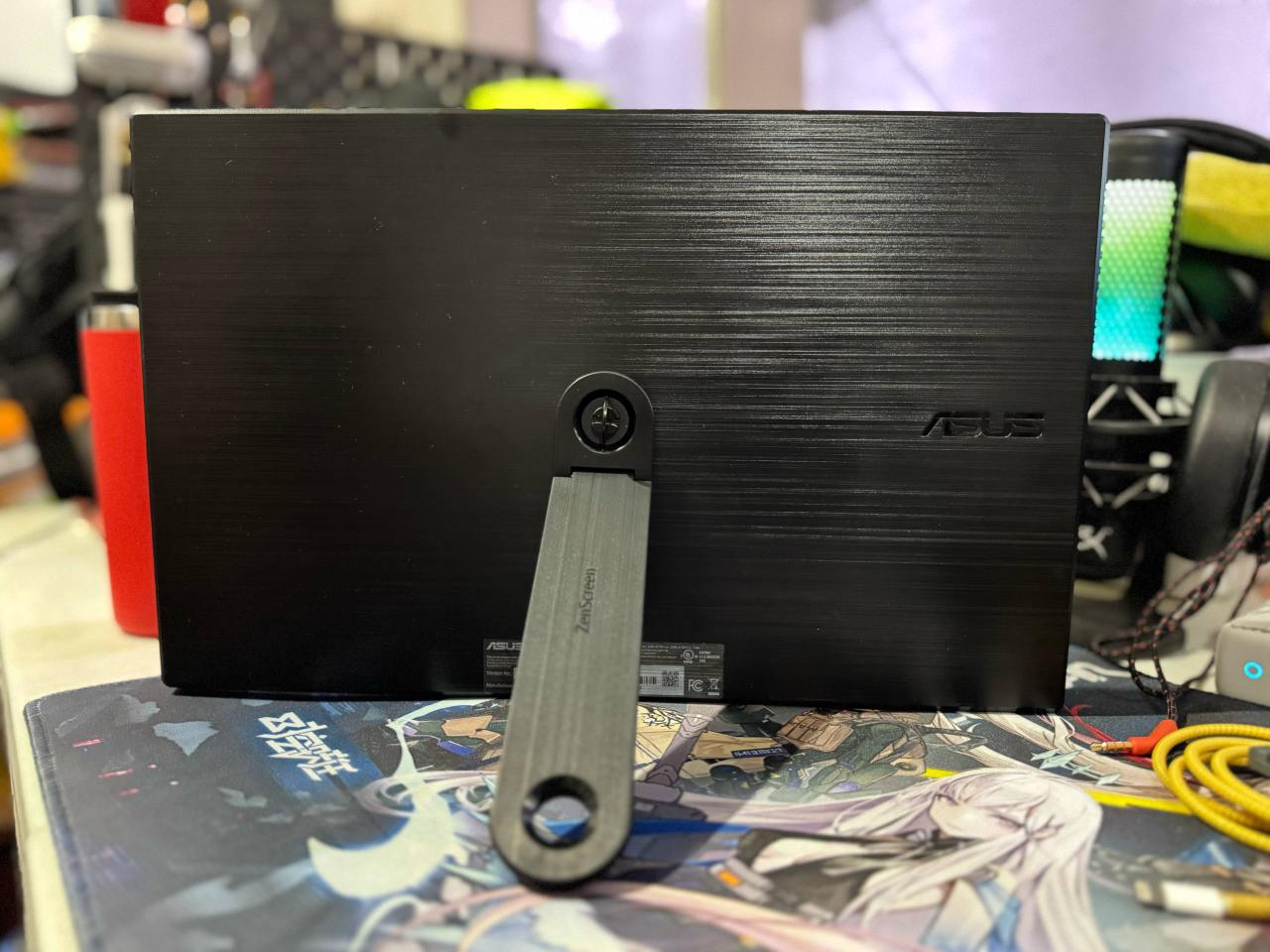
The monitor supports USB-C connectivity with DisplayPort Alt Mode, meaning your laptop (or any other device) must support video output through the USB-C port using a compatible cable. When using this, it’ll automatically power up the monitor without needing an external power connection. Yes, you read right. You’ll still need to plug the monitor in to power it up, since it does not have an internal battery. Thankfully, there are cables included in the package, so you’ll have almost everything you need out of the box.
Immediately, you’ll notice some limitations of the Asus ZenScreen MB169CK. First, since it does not have an internal battery, and while connected to your laptop or portable gaming device, it will utilize your device’s battery life to power it up unless you connect it to an external power source. Second is the lack of audio output since the monitor does not have speakers. It has an audio jack to connect your external speakers or headphones, so there’s that at least.
Plugging in the Steam Deck to the Asus ZenScreen MB169CK is a breeze, and using a compatible USB-C cable, video output is almost instantaneous. The visuals are quite nice at 1080p, but the switch from an OLED Steam Deck to the IPS panel highlights the difference in brightness and vivid color, especially since the Asus ZenScreen MB169CK only goes up to 250 nits. I understand a portable OLED monitor of this size would cost a pretty penny, so the output quality is reasonable, but I would have liked it if it were a bit brighter.
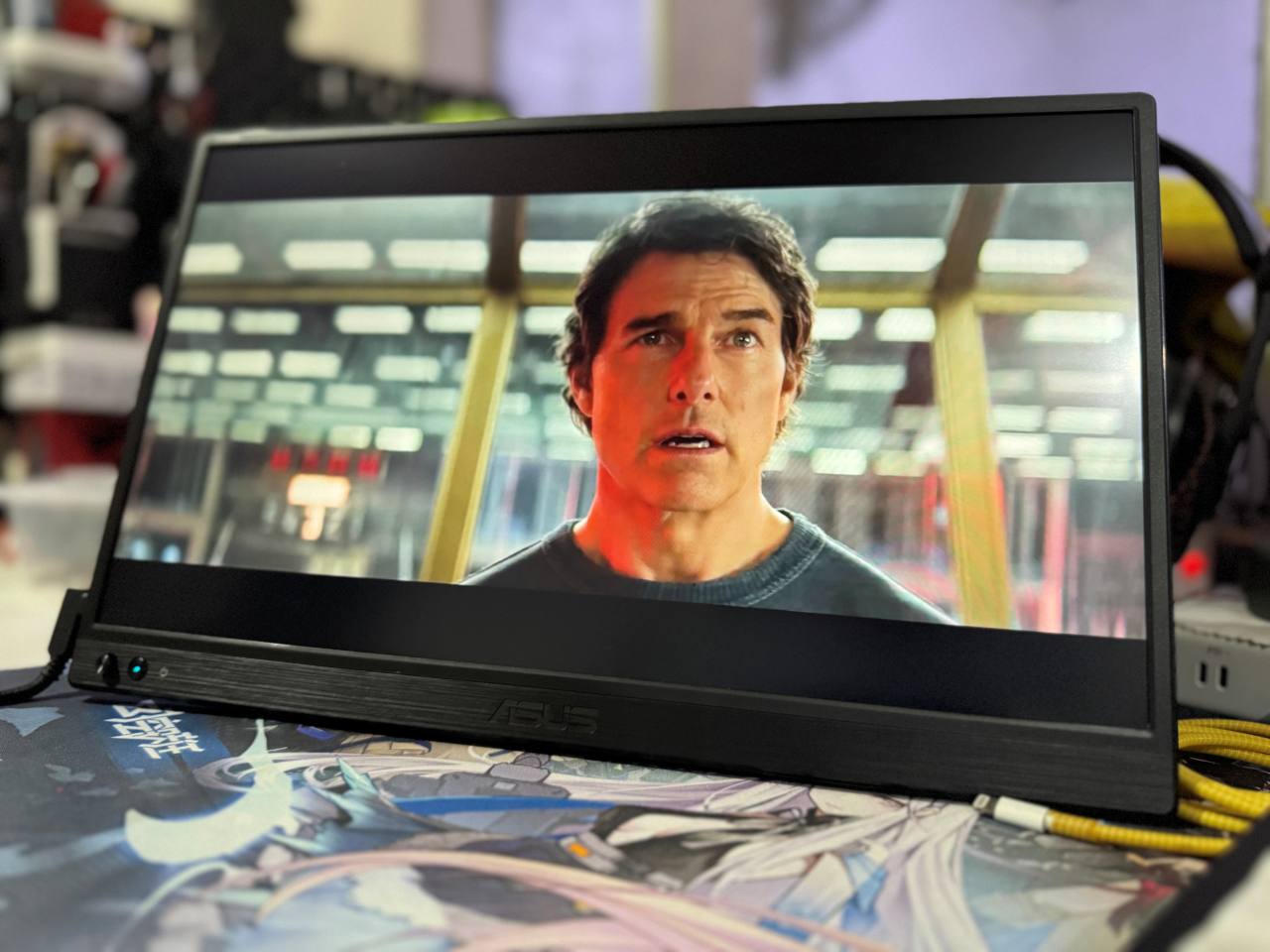
That said, the video output on the Asus ZenScreen MB169CK is sufficient for indoor use, as is supported by its matte finish, which helps reduce reflections. Some adjustments can be made regarding display quality, like brightness and contrast, but options are fairly limited, and its color accuracy is serviceable. A big plus for this device is that it can be used in portrait and landscape modes, which is more suited for productivity than gaming.
Watching Netflix shows and K-pop videos on the Asus ZenScreen MB169CK is surprisingly good, with 1080p as an acceptable resolution output. The quality is sufficient for users to enjoy the selected media content, although it would have been nice if it had Bluetooth capability for wireless headphones. Running a 3.5mm cable on top of the USB-C or Mini HDMI cable kind of defeats the purpose of going portable because you’ll end up with a ton of wires really quickly.
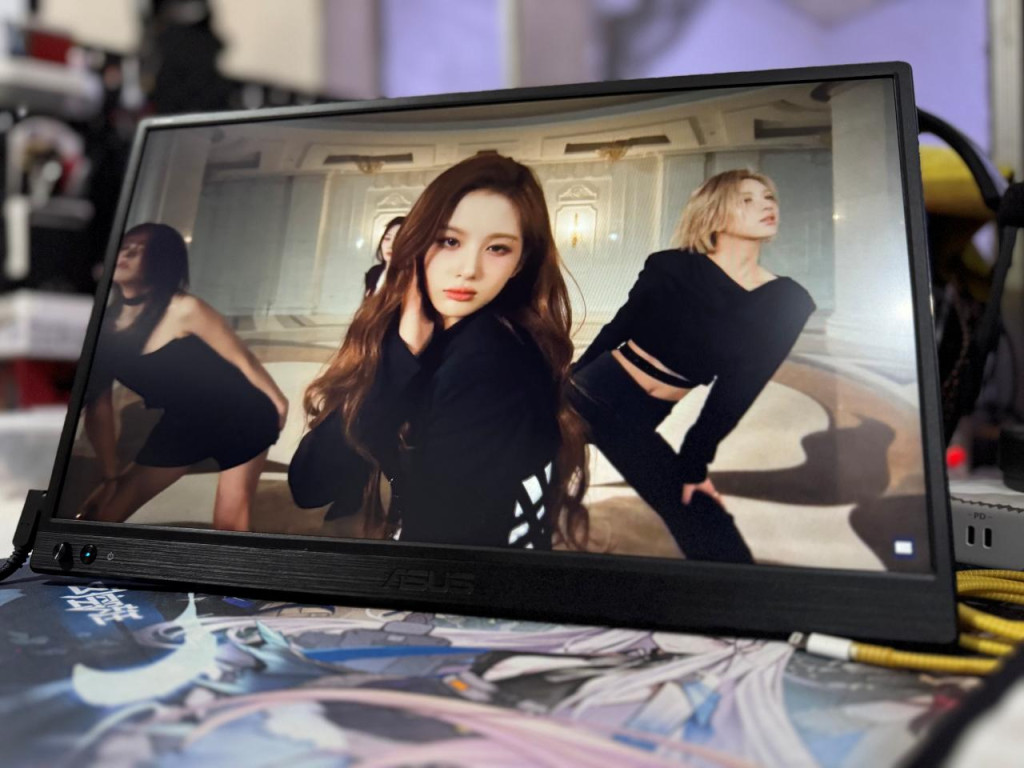
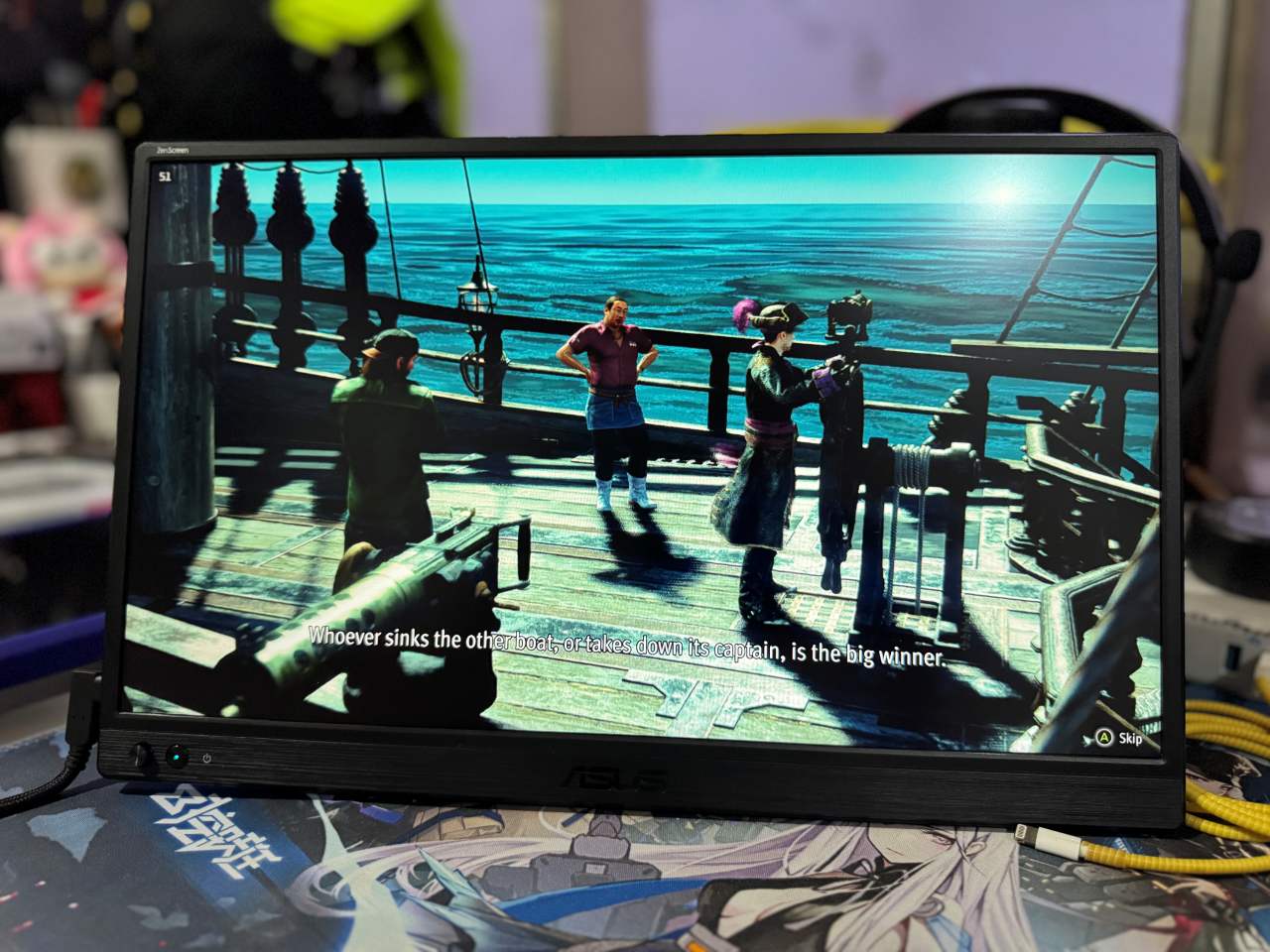
Using a Steam Deck, the Asus ZenScreen MB169CK acts as your screen while your Steam Deck acts as an oversized controller unless you connect a Bluetooth controller for some freedom. Playing on a nearly 16-inch screen provides enough detail to see things clearly, especially considering you are doubling screen real estate from a handheld. Completing all of the connections as you set everything up can be a chore due to the number of things you’ll need to bring.
Overall, the Asus ZenScreen MB169CK features a sleek and lightweight design for users seeking a portable and versatile monitor for everyday tasks. However, there are some glaring limitations here, and depending on your use case, especially for gaming purposes, things like the lack of a built-in battery and audio output might make you reconsider.


